
ALPINELINK
An app concept for hikers and outdoor enthusiasts, focused on accessibility, usability, and a more practical, visually appealing experience.
- Tools
- Figma, Photoshop, Illustrator
- Role
- UI/UX Designer
- Timeline
- 3 Weeks
- Industry
- Outdoor / Mobile App
Project Overview
AlpineLink is an all-season outdoor adventure mobile app designed for hikers, skiers, cyclists, and snowboarders. It brings together trail discovery, weather updates, activity tracking, and community features into a single platform, helping outdoor enthusiasts plan adventures with greater confidence and convenience.
The primary goal was to create an intuitive mobile experience that enables users to quickly find reliable trail information, monitor changing weather conditions, record their activities, and connect with other adventurers — all while minimizing the effort required to access essential information.
As the UX Researcher and UI Designer, my focus was to design an experience that balances exploration with usability. Every interaction was guided by three key principles: delivering information with clarity, supporting safer decision-making through accessible environmental data, and fostering a sense of community among outdoor enthusiasts.
Challenge
Designing an all-in-one outdoor adventure app required balancing a wide range of user needs without overwhelming the experience. Outdoor enthusiasts rely on accurate, accessible information to plan activities safely, yet many existing solutions require users to switch between multiple apps or navigate complex interfaces to find essential information.
To better understand these challenges, I conducted user interviews and a competitive analysis of existing outdoor adventure applications. The research revealed several recurring pain points that informed the design direction.
Key Insights
- Fragmented Experience — Users often rely on multiple apps for trail discovery, weather forecasts, navigation, and community features, creating an inefficient planning process.
- Information Overload — Large amounts of data are presented without clear hierarchy, making it difficult to quickly identify the most relevant information.
- Limited Offline Access — Many existing solutions depend on a constant internet connection, reducing reliability in remote outdoor environments.
- Lack of Personalization — Content is rarely tailored to users' preferred activities, experience levels, or individual interests, resulting in a less relevant experience.
"Design Challenge: How might we create a unified outdoor adventure app that delivers essential information clearly, supports safer decision-making, and reduces the need for users to switch between multiple applications?"
Research
To better understand the needs of outdoor enthusiasts, I conducted user research to identify common behaviors, goals, and challenges experienced before and during outdoor activities. The findings helped establish key design priorities and informed the app's navigation, information architecture, and interaction patterns.
User Persona
Alex Torres — Age: 29 · Location: Whistler, BC · Occupation: Software Developer & Weekend Adventurer
Alex enjoys hiking, skiing, and mountain biking on weekends. He values efficiency and safety, preferring a single platform that helps him plan trips, monitor changing conditions, navigate unfamiliar trails, and record his adventures without switching between multiple apps.
User Goals
- Plan outdoor activities using reliable trail and weather information.
- Discover new routes based on location and activity type.
- Track and share completed adventures with friends.
- Access essential maps and trail information in areas with limited or no cellular service.
Key Design Insights
The research highlighted that outdoor users often make decisions in dynamic environments where time, weather, and safety are critical. Information must be easy to understand at a glance, interactions should require minimal effort, and important features must remain accessible even in challenging conditions.
These insights guided several core UX decisions:
- Prioritize the most important information using a clear visual hierarchy.
- Minimize cognitive load by presenting only the information users need at each stage of their journey.
- Design for one-handed interaction to support use while wearing gloves or carrying equipment.
- Ensure critical navigation and safety features remain available offline.
User Journey
The user journey maps how outdoor enthusiasts interact with the app before, during, and after each adventure.
- Plan — Explore trails, review weather forecasts, and prepare a route before leaving.
- Start — Launch the app with previously cached maps and essential trip information for quick access.
- Navigate — Follow offline maps while monitoring location, elevation, and trail progress in real time.
- Monitor — Receive live weather updates and changing trail conditions to support safer decision-making.
- Complete — Automatically save completed activities and share achievements with the outdoor community.
UX Solutions
The research directly influenced several key design decisions:
- One-handed navigation supports quick interactions during outdoor activities.
- Offline-first functionality ensures essential information remains available in remote locations.
- Adaptive information hierarchy prioritizes relevant content based on the user's activity and context.
- Persistent emergency access keeps the SOS feature visible and accessible throughout the experience.
Design Process
Designing for Outdoor Exploration
The interface was designed to support users before, during, and after every adventure. Because outdoor activities often require quick decisions in changing environments, the experience prioritizes glanceable information, intuitive navigation, and minimal interaction.
Large immersive imagery reinforces the connection to nature, while layered interface components ensure essential information remains readable without distracting from the experience.
Information Architecture
The app is organized around four primary experiences that reflect a user's outdoor journey:
- Home — Prepare and review upcoming adventures.
- Map — Explore routes and navigate confidently.
- Weather — Monitor changing environmental conditions.
- Profile — Track progress, achievements, and personal activity history.
This simplified navigation reduces cognitive load by keeping the most frequently used features accessible within a single tap.
Home Dashboard
The Home screen serves as the user's personalized adventure hub. Instead of overwhelming users with excessive information, the dashboard surfaces the most relevant content at a glance — including personal goals, recent activity, weekly progress, and recommended trails. The modular card layout allows users to quickly scan information while maintaining a clean and organized interface.
Interactive Map
Navigation is one of the most critical parts of the experience. The map combines route visualization, elevation data, environmental information, and quick actions into a single screen, allowing users to stay oriented without switching between multiple views. Floating controls provide easy access to map modes while preserving maximum visibility of the surrounding terrain.
Weather Experience
Weather conditions directly influence outdoor safety. Rather than presenting dense weather reports, the interface prioritizes the information users need most — including temperature, hourly forecasts, terrain conditions, and avalanche risk. Critical alerts are visually emphasized to support faster decision-making before and during an adventure.
Profile & Progress
The Profile screen transforms activity tracking into an engaging experience. Personal statistics, achievements, and yearly progress are displayed using clear visual hierarchy, encouraging users to monitor their growth while maintaining quick access to account settings and premium features.
Visual Design
The visual language draws inspiration from alpine landscapes, crisp mountain air, and natural lighting to create an experience that feels immersive, calm, and adventurous. A combination of full-screen photography, soft transparency, and rounded interface components allows the scenery to remain central while preserving readability and usability.
Colour Palette
The palette reflects the natural environment.
- Sky Blue — Establishes trust and reinforces the outdoor theme.
- Deep Slate Blue — Provides structure and contrast.
- Snow White — Improves readability and creates visual balance.
- Accent Colours — Highlight important actions, notifications, and safety information without overwhelming the interface.
Typography & Iconography
A clean sans-serif typeface was selected to maximize readability across different lighting conditions and screen sizes. Rounded icons complement the organic visual language while remaining simple enough to be recognized at a glance. Strong contrast ratios improve visibility in bright outdoor environments where screen readability is especially important.
Design Principles
- Clarity — Present essential information in a way that users can understand within seconds.
- Safety — Prioritize weather conditions, navigation, and emergency features to support informed outdoor decisions.
- Trust — Use consistent visual patterns, authentic imagery, and clear hierarchy to build confidence throughout the experience.
- Adventure — Capture the excitement of outdoor exploration through immersive visuals while maintaining a clean and functional interface.
Solution
The solution was designed to unify every stage of an outdoor adventure into a single, intuitive mobile experience. Rather than requiring users to switch between separate apps for navigation, weather, activity tracking, and community features, AlpineLink brings these essential tools together within one cohesive platform.
Guided by user research, the interface prioritizes the information users need most while minimizing cognitive load. A simplified navigation structure, clear visual hierarchy, and glanceable information allow users to quickly access trails, monitor weather conditions, navigate routes, and track personal progress with minimal interaction.
Because outdoor environments present unique challenges, the experience was designed with usability and safety at its core. Critical information — including trail conditions, weather updates, and emergency features — is surfaced prominently to support informed decision-making before and during every adventure.
"By combining immersive visuals with purposeful interactions, AlpineLink delivers an experience that is both engaging and highly functional, allowing users to focus on exploring rather than managing multiple tools."
Final Design
The final interface reflects the energy and freedom of outdoor exploration while maintaining a strong focus on clarity and usability.
Large full-screen mountain photography creates an immersive connection to nature, while translucent interface panels preserve the surrounding scenery without compromising readability. Rounded components, generous spacing, and consistent visual patterns establish a calm, approachable interface that remains easy to navigate in dynamic outdoor environments.
The Home screen provides a personalized dashboard where users can review goals, recent activity, and recommended trails at a glance. The Map experience combines route visualization, terrain information, and navigation tools into a single interface, reducing the need to switch between multiple screens while exploring.
The Weather screen presents essential environmental information through a clear visual hierarchy, highlighting temperature, hourly forecasts, terrain conditions, and avalanche risk to support safer outdoor decisions. The Profile screen encourages continued engagement by organizing personal statistics, achievements, and activity history into an intuitive and motivating experience.
Throughout the application, a consistent bottom navigation, scannable content, and strategically placed actions reduce friction and create a seamless journey across every feature. The interface was designed responsively to ensure a consistent experience across a variety of mobile devices while supporting one-handed interaction during outdoor activities.
"The result is a cohesive digital experience that simplifies adventure planning, strengthens user confidence, and transforms complex outdoor information into an interface that feels natural, accessible, and enjoyable to use."
Reflection
This project strengthened my ability to translate user research into thoughtful design solutions. It reinforced the importance of balancing usability, safety, and visual design to create an experience that feels both intuitive and engaging.
"Most importantly, it reminded me that great UX isn't about adding more features — it's about helping users achieve their goals with confidence and ease."
View More Works
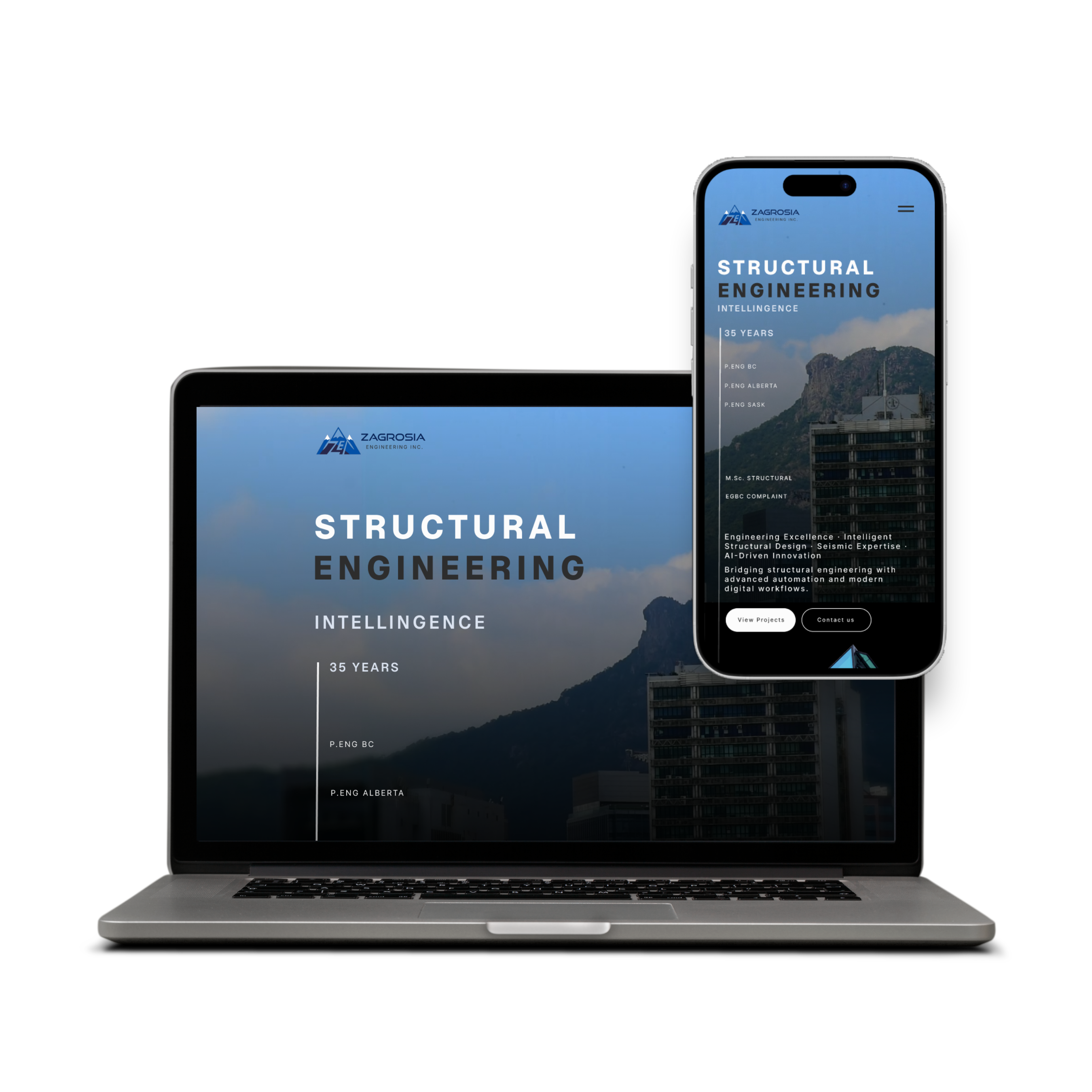
UI/UX & Graphic Designer
Zagrosia Engineering INC.
Designed wireframes, interactive prototypes, branding, and marketing materials for modern, user-centered digital experiences.
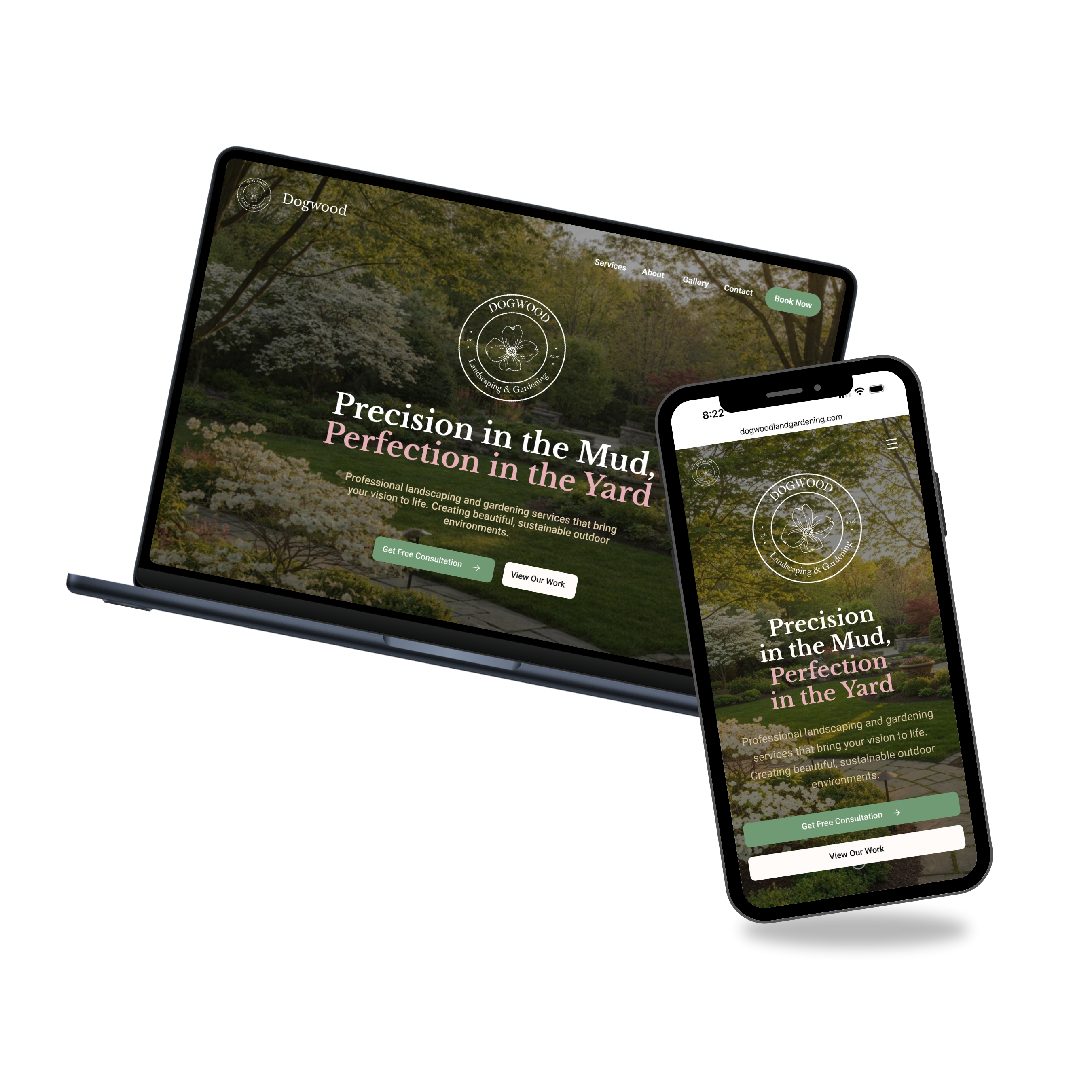
UI/UX Design • Digital Creative
Dogwood Landscaping & Gardening
Freelance project involving wireframes, responsive web design, and front-end development tailored to the brand's identity.
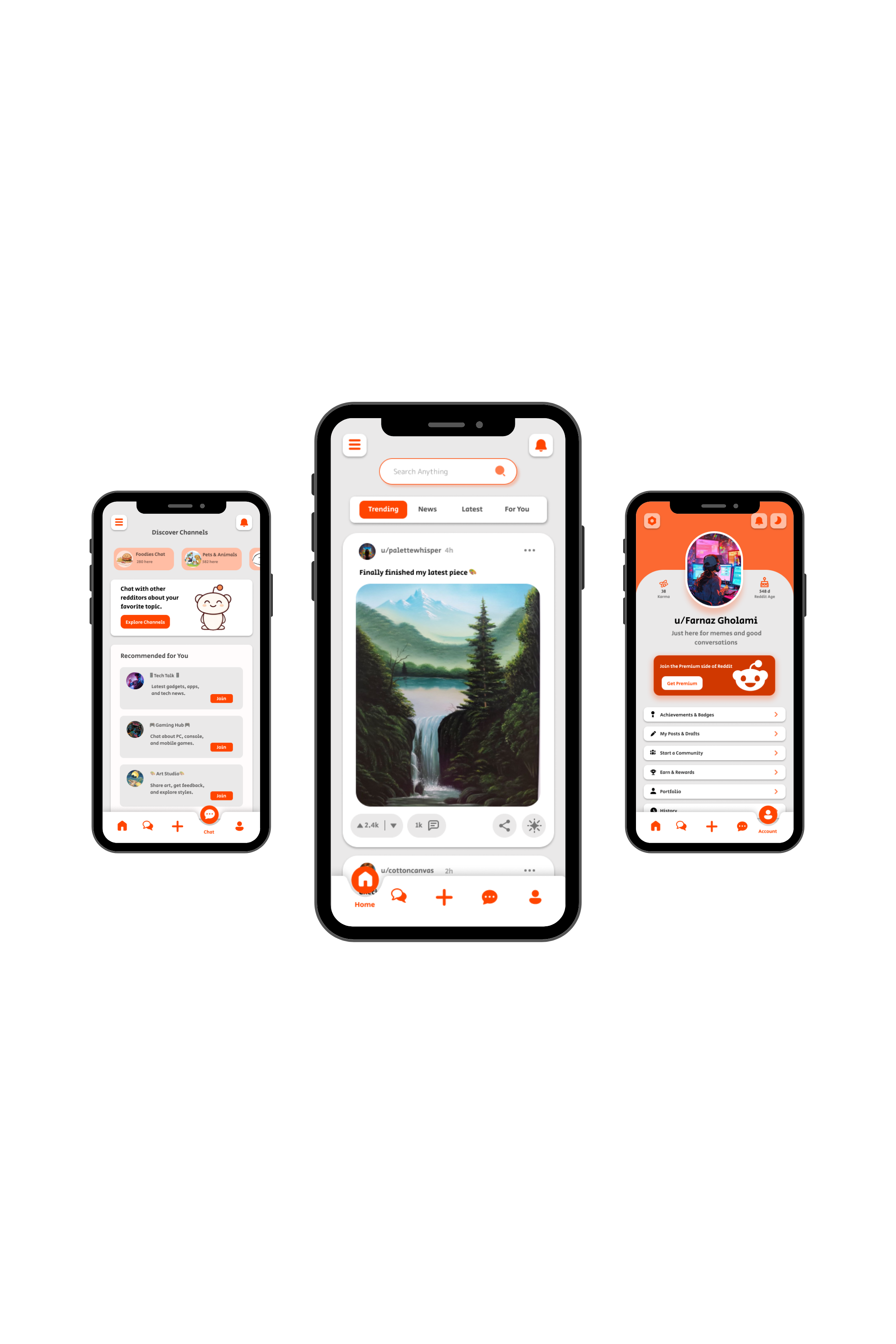
UI/UX Design
Reddit Redesign
BCIT UI/UX project focused on redesigning Reddit with a cleaner, more modern, and user-friendly experience.

UI/UX Design
SugarCloud Cupcake
Individual UI/UX project focused on creating a fully interactive Figma prototype using advanced prototyping techniques.
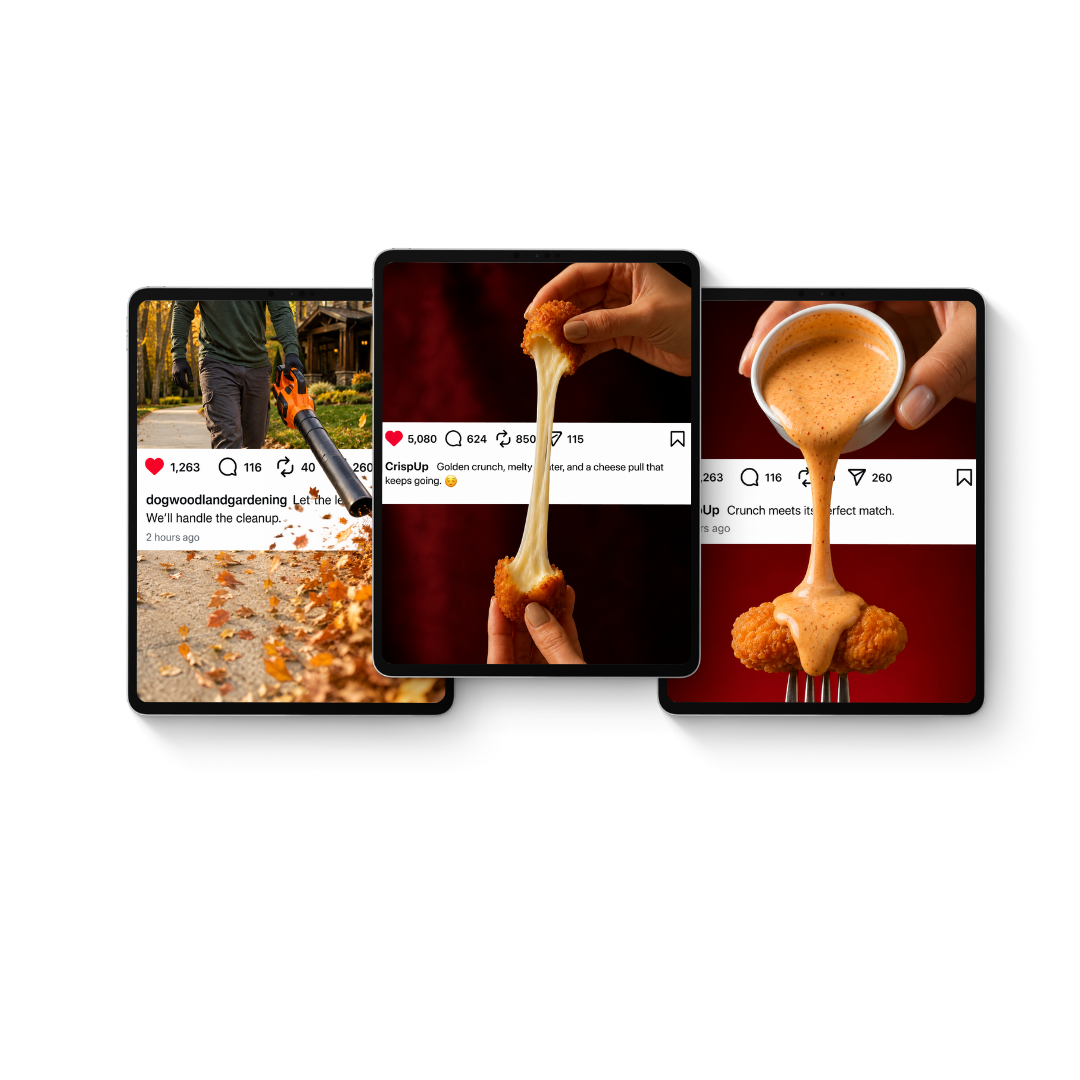
Social Media & Motion Design
Breaking the Feed
An exploration of AI-assisted motion marketing — where one intentional movement, connected to the brand's message, transforms a static post into a scroll-stopping experience.
Brand Marketing & Social Media
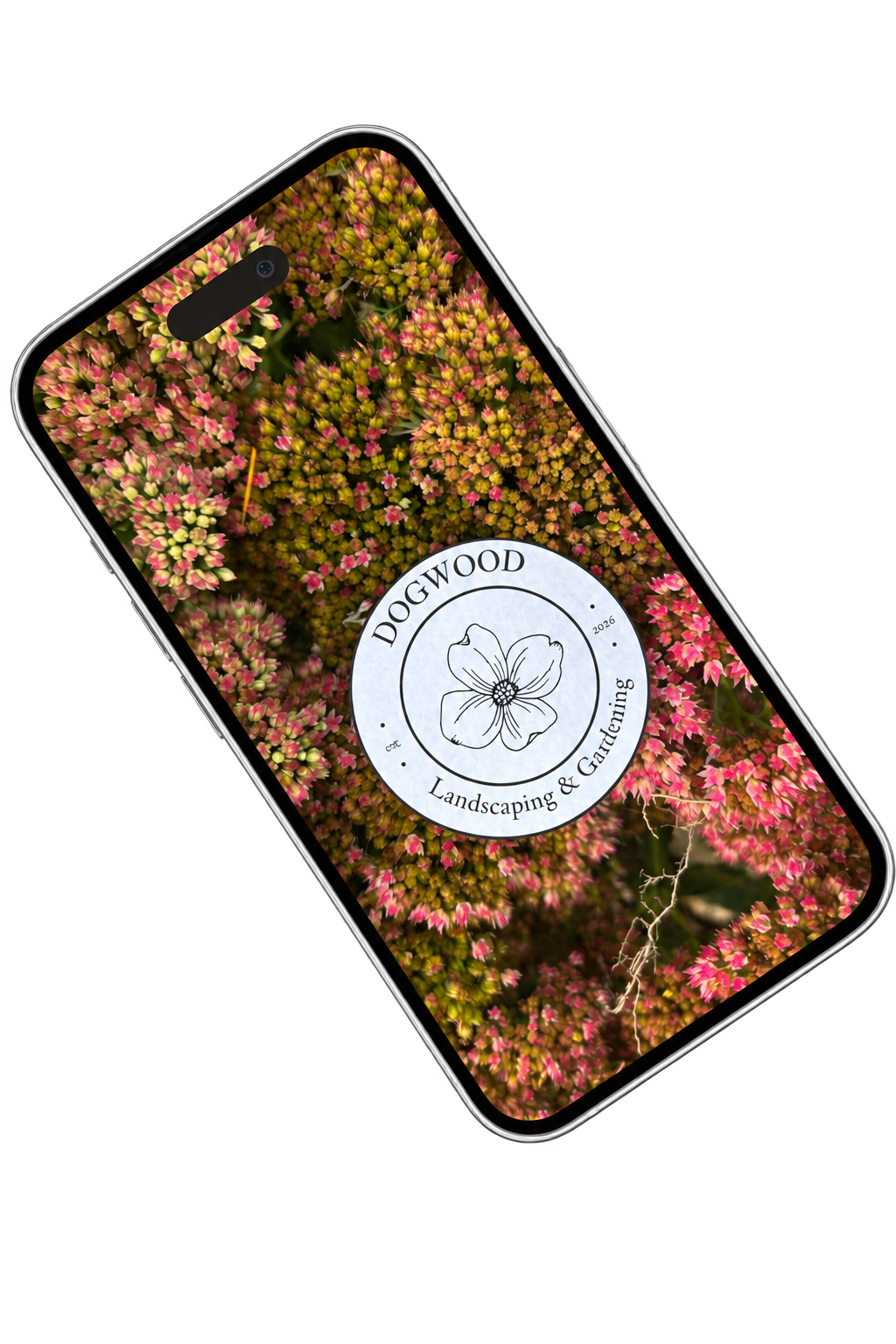
One Logo, Many Places
A brand awareness reel for Dogwood Landscaping & Gardening — one logo, sixty environments, one recognizable identity.
Creative Print Marketing · Brand Activation · Graphic Design
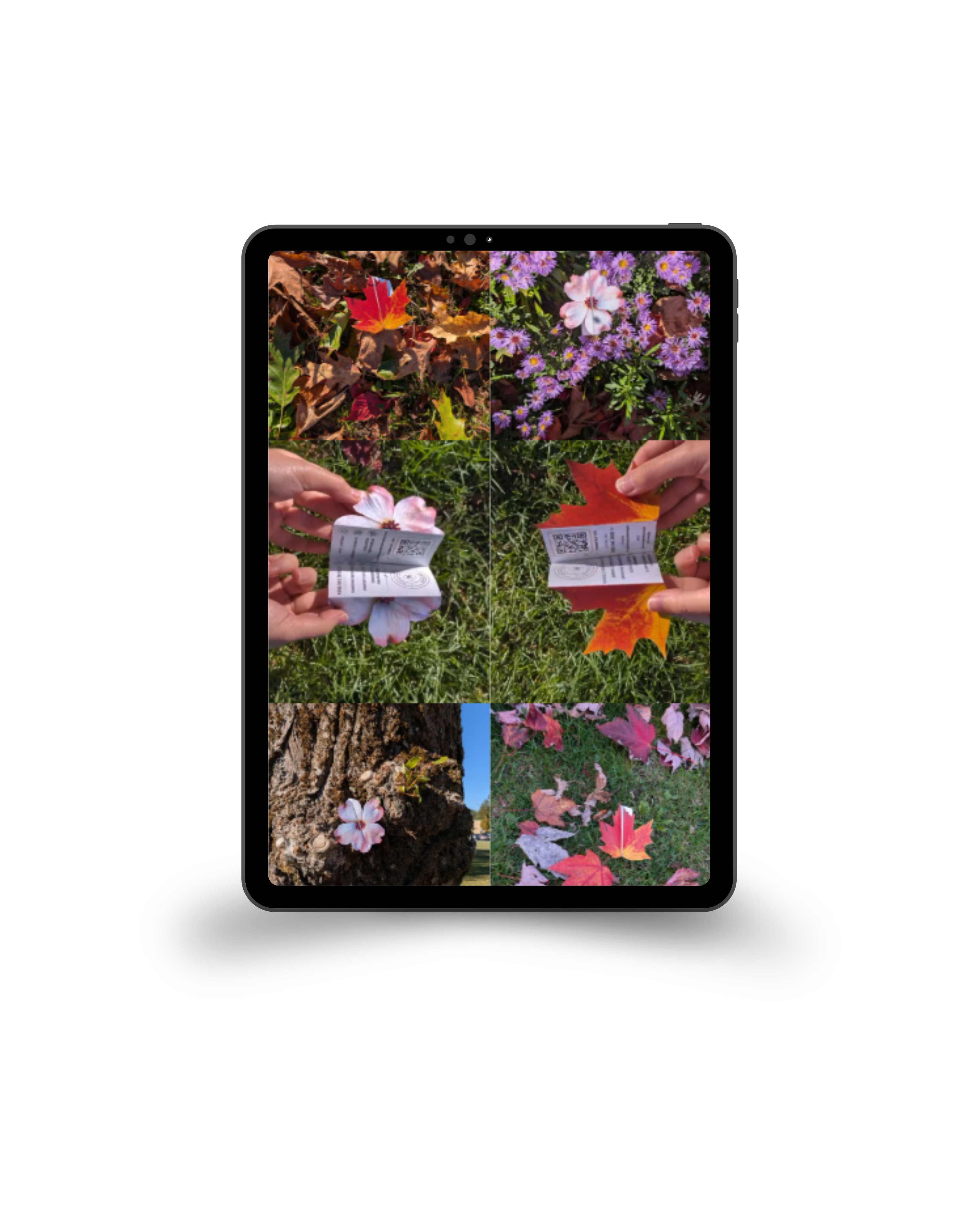
Beyond the Flyer
A nature-inspired, foldable alternative to the traditional flyer for Dogwood Landscaping & Gardening — turning an ordinary advertisement into something people want to notice, pick up, and explore.